

Takeoff by hand
Reports and export
The takeoff report, its columns and grouping, the exports (marked-set PDF, Excel, CSV, JSON), revisions and the open sheets.
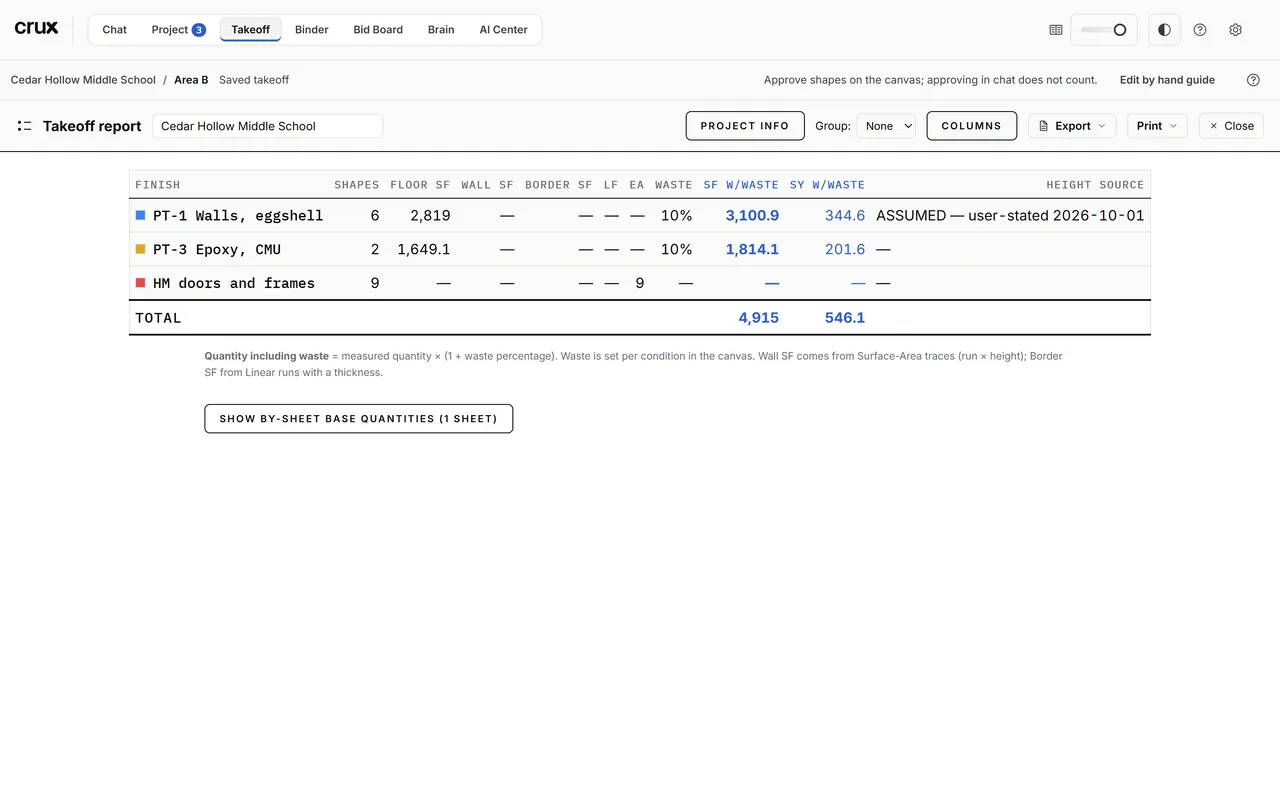
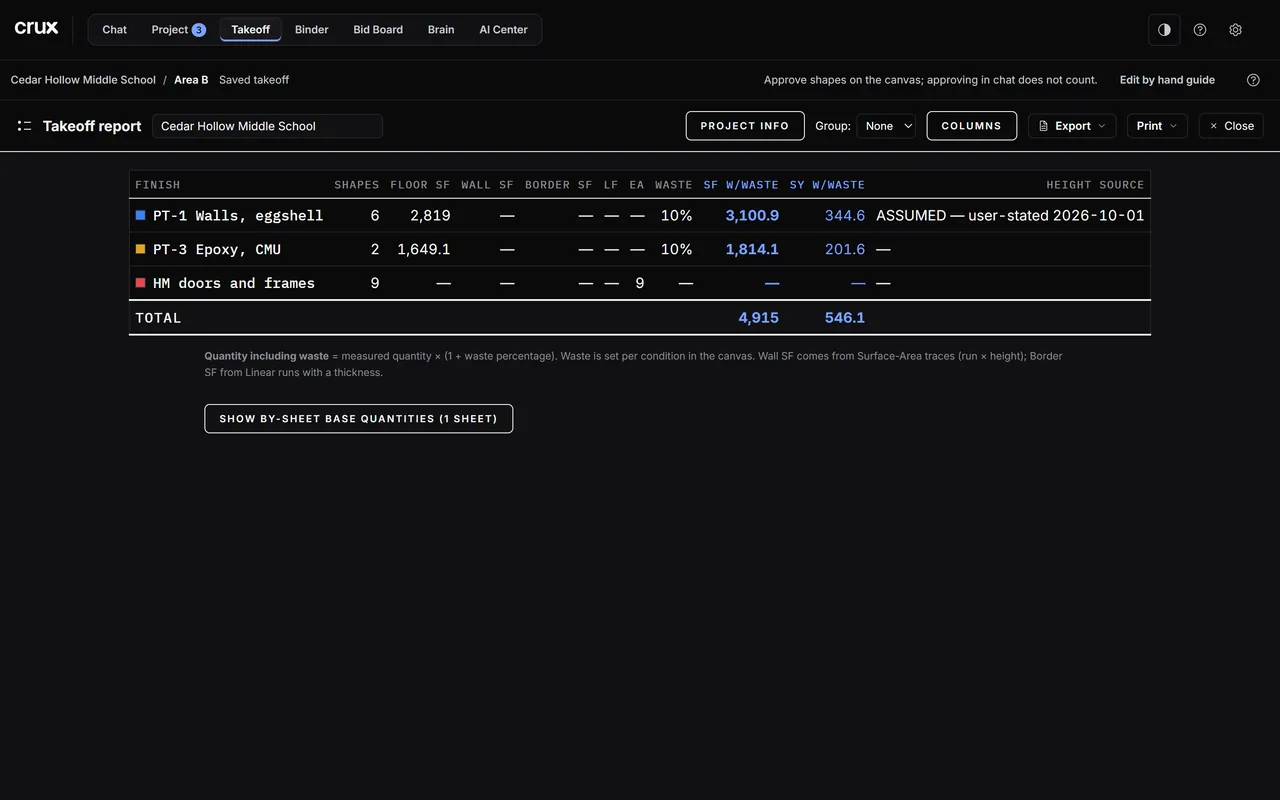
Open the report
Report · Export in the tool row (or ⋯ > Report · Export… in simple mode). One page for the whole takeoff:
- one row per condition: shapes, Floor SF, Wall SF, Border SF, LF, EA, waste, SF and SY with waste, and the height source for walls (for example "user-stated 2026-10-01");
- the supporting-materials buy list: each material's quantity is the measured basis ÷ its coverage, rounded up to whole units;
- Show by-sheet base quantities for each sheet's numbers.
How the numbers work: waste lives only in the w/Waste columns (measured × (1 + waste %)); SY is SF w/Waste ÷ 9; a ×N multiplier multiplies every quantity; counts never take waste. Close goes back to the canvas.
Columns, grouping and project info
- Columns: what the table (and the CSV) shows. Optional columns include Total SF, Waste SF, Perimeter LF, your own condition columns, imported spec and Labor.
- Group: sections with subtotals by Sheet, by Label, or by one of your columns.
- Project info: the project name and the print masthead (client, reference, date, prepared by).
Export
Export in the report:
| Export | What you get |
|---|---|
| Marked set PDF | Every sheet with takeoffs or markups, the work drawn on it in the conditions' colours with quantity chips, a legend cover with totals, approval seals and RFI markers. Include markups turns the markups on or off (seals always print). Send it to anyone; they need no software. |
| Excel | A workbook: Summary, By sheet, Materials, Shapes (the audit trail) and By floor × room. |
| CSV | The condition table, exactly the columns shown. |
| JSON | The full report as data. |
| Shapes CSV / JSON | Every shape's own measured quantity, no waste or multiplier. |
| Materials summary CSV / Excel | The combined buy list. |
Print prints the report itself. With RFIs on the canvas, RFI CSV and RFI JSON export the canvas's RFI register.
The marked set follows the canvas: an inverted sheet prints dark.
Note: Your estimate does not come from this report. crux carries the approved takeoff into your estimate workbook itself (see Build the estimate); the report and exports are for checking and sharing.
Revisions
Revisions in the panels on the right edge. Addenda happen:
- Save the takeoff as a named revision (Rev N and the date) at every bid revision and before anything risky.
- Compare a revision with the live takeoff or another revision: what moved, per condition, per sheet and on the buy list, with Export compare CSV.
- Restore first saves the live takeoff as "Auto-backup before restore", then loads the revision.
Open sheets
N open in the tool row lists the sheets you opened from the gallery: jump to one, put it side by side with the current sheet, or close it. Closing a sheet never deletes its takeoffs.
Saving
The canvas saves the takeoff into the job's own folder about a second after every change; the status bar says saved. crux and the canvas share that file, so what you draw is what crux reads.
Common mistakes
- Sending numbers without the drawings. The marked set is the takeoff: the quantities with where they were measured.
- Comparing revisions to find which wall moved. Compare shows which numbers moved, by condition and sheet, not which line.